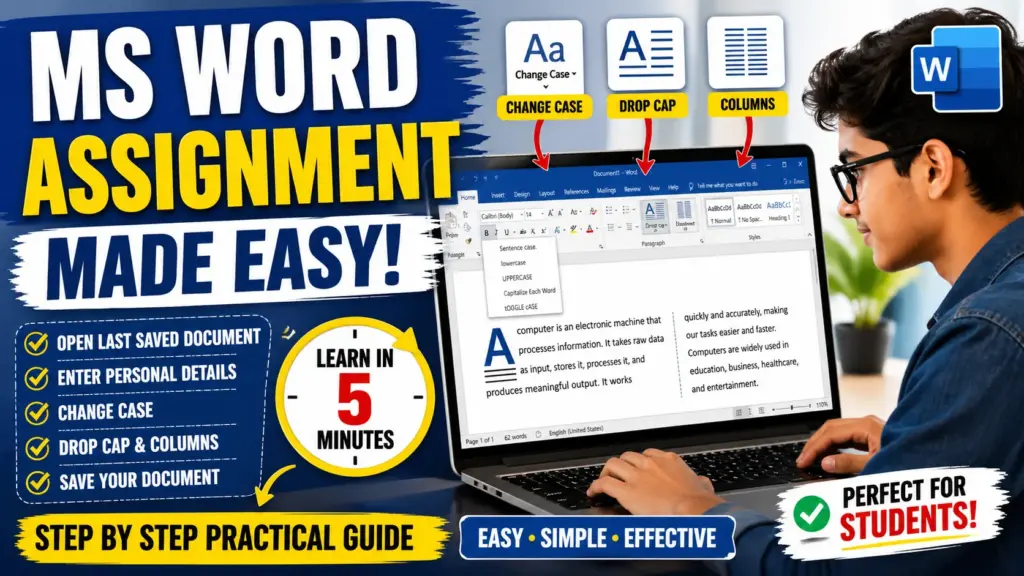
MS Word Session-6: MS Word assignment has now become much easier to complete! In this detailed guide, you will learn how to open the last saved document, enter personal details, apply change case options, and use features like Drop Cap and Columns. This practical tutorial is perfect for beginners who want to understand the basic features of MS Word step by step. If you are a student or pursuing a computer course, this assignment will be very useful for you. Read now and improve your MS Word skills with easy and effective steps.
MS-Word Session-6: MS Word Assignment 2016
Subject: Basic Operations in MS Word
Q.1 – Open the Last Saved Document
To open the last saved document:
- Click on File tab
- Select Open
- Choose Recent Documents
- Click on the last saved file
CCC MCQ Question: https://ctsdigital.in/fundamental-of-computer/
Q.2 – Personal Information Entry
Write the following details in the document:
- Name: [Your Name]
- Father’s Name: [Father’s Name]
- Qualification: [Your Qualification]
- Contact No.: [Your Phone Number]
- Course Name: [Course Name]
- Registration Date: [Date]
Q.3 – Apply Change Case Options
Select the above text and apply different Change Case options one by one:
- UPPERCASE
- lowercase
- Capitalize Each Word
- Sentence case
- tOGGLE cASE
This helps understand how text formatting changes in MS Word.
CCC MCQ Question: https://ctsdigital.in/ms-dos/
Q.4 – Write About Computer & Apply Drop Cap
What is a Computer?
A computer is an electronic machine that processes information. It takes raw data as input, stores it, processes it, and produces meaningful output. It works quickly and accurately, making our tasks easier and faster. Computers are widely used in education, business, healthcare, and entertainment. They help in storing large amounts of data and performing complex calculations in seconds.
Apply Drop Cap to the first paragraph (4 lines).
CCC MCQ Question: https://ctsdigital.in/libreoffice-2/
Q.5 – Divide Paragraph into Two Columns
Steps:
- Select the paragraph
- Go to Layout / Page Layout tab
- Click on Columns
- Choose Two Columns
- Enable Line Between for separation
Q.6 – Save the Document
To save the document:
- Click on File → Save As
- Choose location
- Enter file name
- Click Save
Conclusion
This assignment helps in understanding basic MS Word features like formatting text, applying change case, using drop cap, creating columns, and saving documents properly.