MS Powerpoint Practice 03: Learn how to insert a Two Contents slide in PowerPoint, add course modules and images, insert system date, slide number and footer, format text, use Slide Sorter View, and change slide order easily.
MS Powerpoint Practice 03: Slide Creation, Formatting & Management
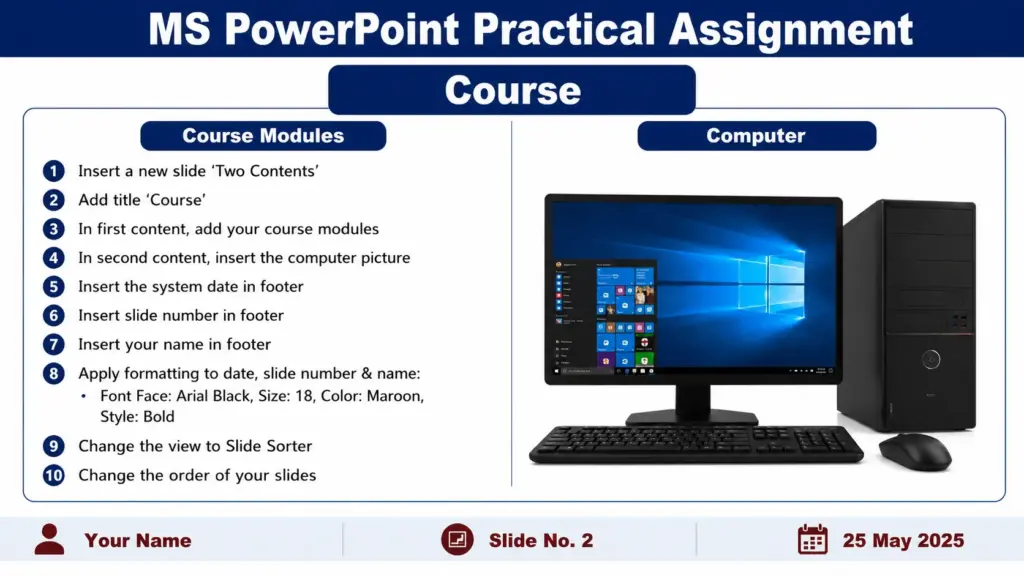
Q.1- Insert a new slide ‘Two contents’, give title Course, in first content put your course modules & in second content put the computer picture.
Q.2- Insert the system date, slide number & your name in footer for each slide.
Q.3- Give the following formatting to the date, slide number, and name:-
Font Face- Arial Black, Size- 18, Color- Maroon & Style-Bold.
Q.4- Change the view in slide sorter.
Q.5- Change the order of your slides.