MS Powerpoint Practice 01: Learn how to create a professional PowerPoint presentation for CTS Digital Institute. Design a title slide, add a welcome slide with a computer image, and apply text outline formatting using Orange Accent 6 and Black Text 1 styles.
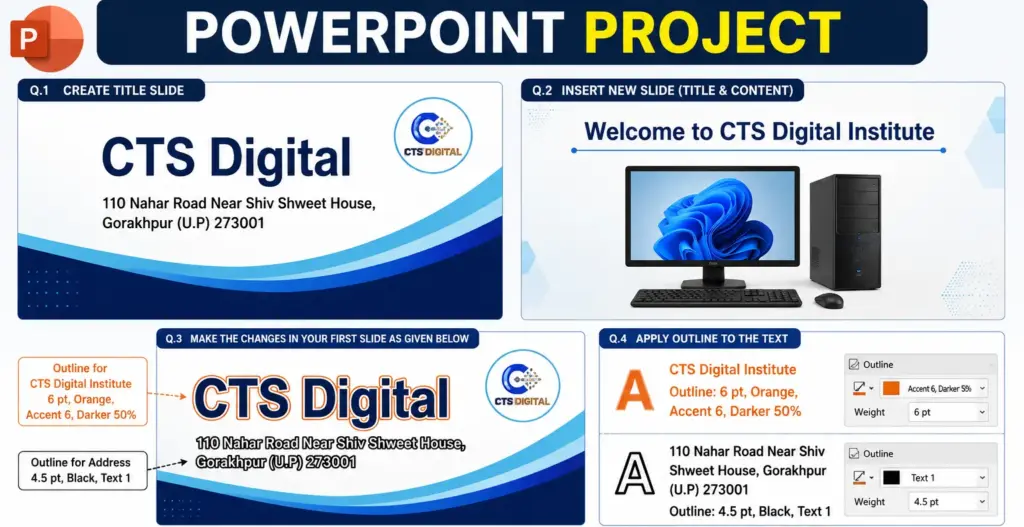
MS Powerpoint Practice 01: Create CTS Digital Title Slide & Welcome Slide with Text Outline Formatting
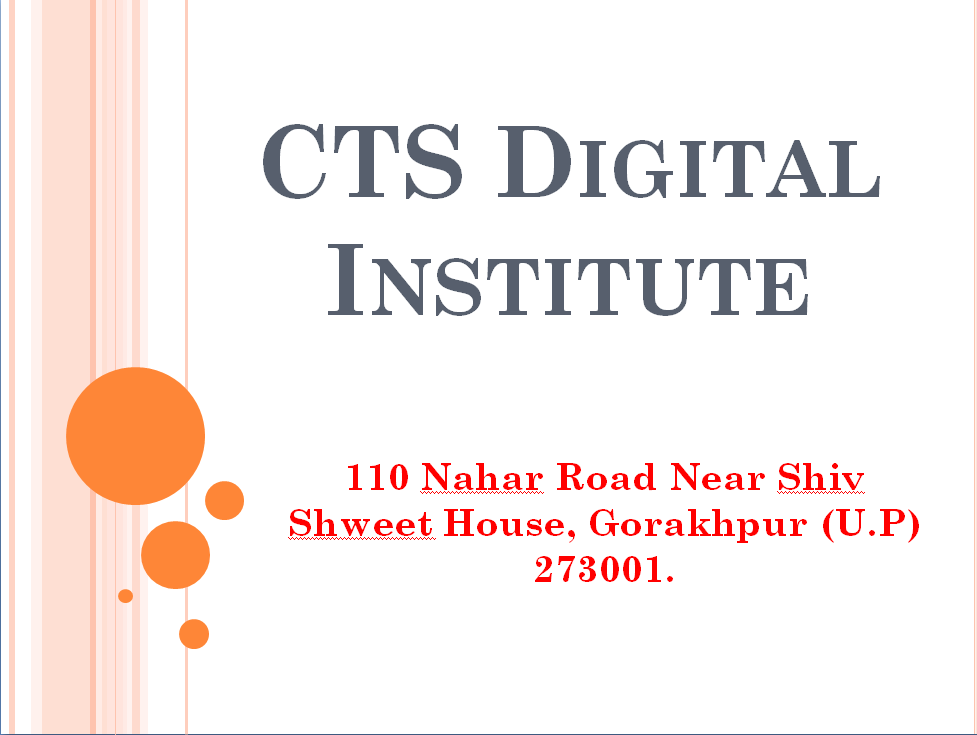
Q.1- Open PowerPoint, create a Title Slide & give Title– CTS Digital Institute, Subtitle-110 Nahar Road Near Shiv Shweet House, Gorakhpur (U.P) 273001.
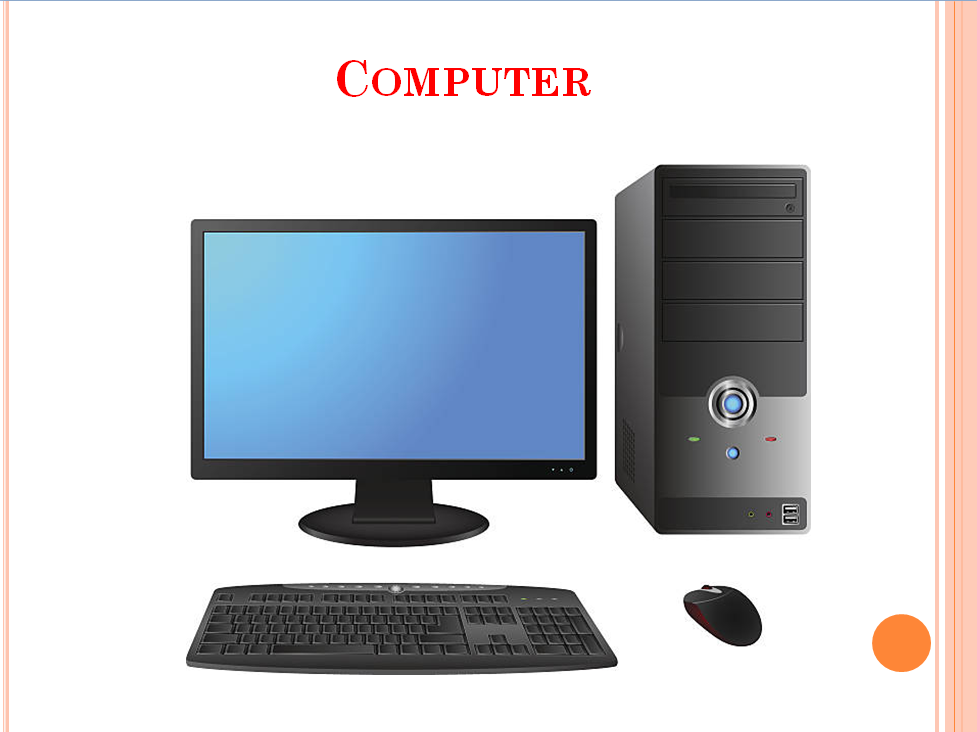
Q.2- Insert a new slide (Title& Content) gives title “Welcome to CTS Digital Institute” & inserts a picture of a Computer.
Q. 3- Make the changes in your first slide as given below.
Q.4- Give Outline to the CTS Digital Institute as 6 points with Orange, Accent 6, Darker 50% & to 110 Nahar Road Near Shiv Shweet House, Gorakhpur (U.P) 273001 as 4.5 with Black, Text 1.