
UPSC Combined Medical Services CMS Admit Card 2026 has been officially released by the Union Public Service Commission (UPSC). Candidates who have successfully registered for the Combined Medical Services Examination 2026 can now download their admit card from the official UPSC online portal using their Registration ID or Roll Number and Date of Birth. The written examination is scheduled to be held on 02 August 2026.
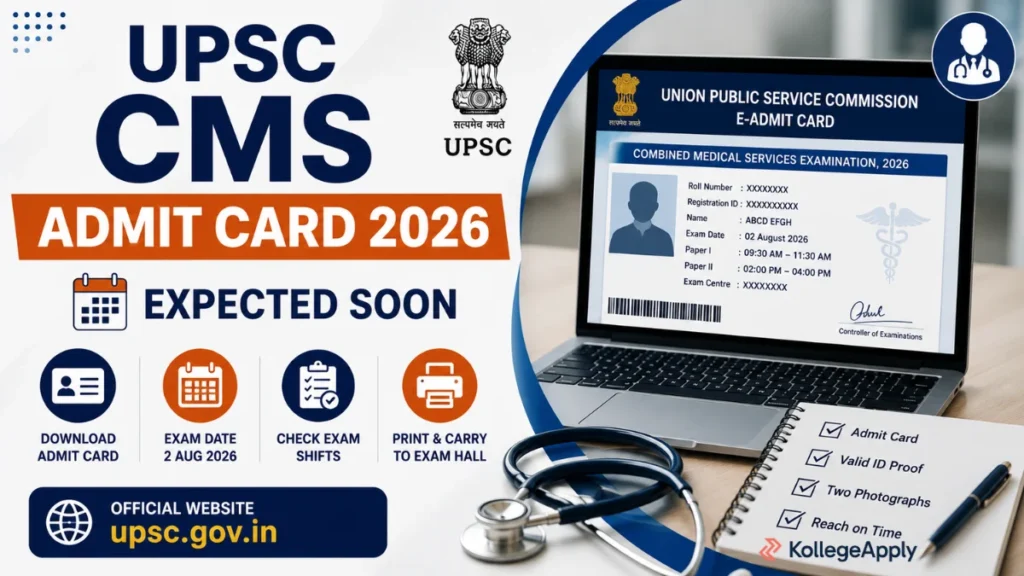
UPSC CMS Admit Card 2026 – Download Hall Ticket, Exam Date, Direct Link
| Organization | Union Public Service Commission (UPSC) |
|---|---|
| Exam Name | Combined Medical Services (CMS) Examination 2026 |
| Article Name | UPSC CMS Admit Card 2026 |
| Admit Card Status | Released |
| Exam Date | 02 August 2026 |
| Mode of Exam | Computer Based Test (CBT) |
| Official Website | UPSC |
Important Dates
| Event | Date |
|---|---|
| Application Start | 19 February 2026 |
| Last Date to Apply | 11 March 2026 |
| Admit Card Release | 25 July 2026 |
| Written Examination | 02 August 2026 |
| Result | To Be Announced |
Candidates should download the admit card well before the examination date to avoid any last-minute issues.
Vacancy Details
- Total Posts: 1,358 Medical Officer Vacancies
Posts include recruitment in:
- Central Health Service (CHS)
- Indian Railways Health Service (IRHS)
- New Delhi Municipal Council (NDMC)
- Municipal Corporation of Delhi (MCD)
Educational Qualification
Candidates must have:
- Passed the written and practical parts of the final MBBS Examination.
Selection Process
The selection process consists of:
- Computer Based Written Examination
- Personality Test / Interview
- Document Verification
- Medical Examination
Details Mentioned on UPSC CMS Admit Card 2026
Candidates should verify the following information:
- Candidate Name
- Roll Number
- Registration ID
- Photograph & Signature
- Exam Date
- Exam Timing
- Reporting Time
- Examination Centre
- Exam Day Instructions
Documents to Carry
Candidates must carry:
- Printed Admit Card
- Original Photo Identity Proof (Aadhaar Card, PAN Card, Passport, Driving Licence, Voter ID, etc.)
- Passport Size Photograph (if required)
How to Download UPSC CMS Admit Card 2026
- Visit the official UPSC Online website.
- Click on “Download Admit Card – Combined Medical Services Examination 2026”.
- Choose Registration ID or Roll Number.
- Enter the required details and Date of Birth.
- Submit the details.
- Download the admit card.
- Take a clear printout for the examination.
Exam Day Instructions
- Do not carry study material inside the examination hall.
- Reach the examination centre at least 30–60 minutes before reporting time.
- Carry a printed admit card and valid photo ID.
- Electronic gadgets are strictly prohibited.
- Follow all instructions mentioned on the admit card.
Important Links
| Download Admit Card | Click Here | |||
| Download Exam Notice | Click Here | |||
| Apply Online (Through OTR) | Click Here | |||
| How to UPSC OTR Registration | Version I | Version II | |||
| Download Notification | Click Here | |||
| Photo Name and Date Maker, Image Resizer, JPG to PDF, Typing Test Practice and More Tools | Sarkari Result Tools | |||
| Official Website | UPSC Official Website | |||
Other Links
UPSSSC Forensic Science Laboratory Online Form 2026
NMDC Executive Trainee Online Form 2026