MS Powerpoint Practice 02: Learn how to open a PowerPoint file, apply different themes to slides, add slide transitions, insert animations for text and objects, and run the slideshow from the beginning with step-by-step instructions.
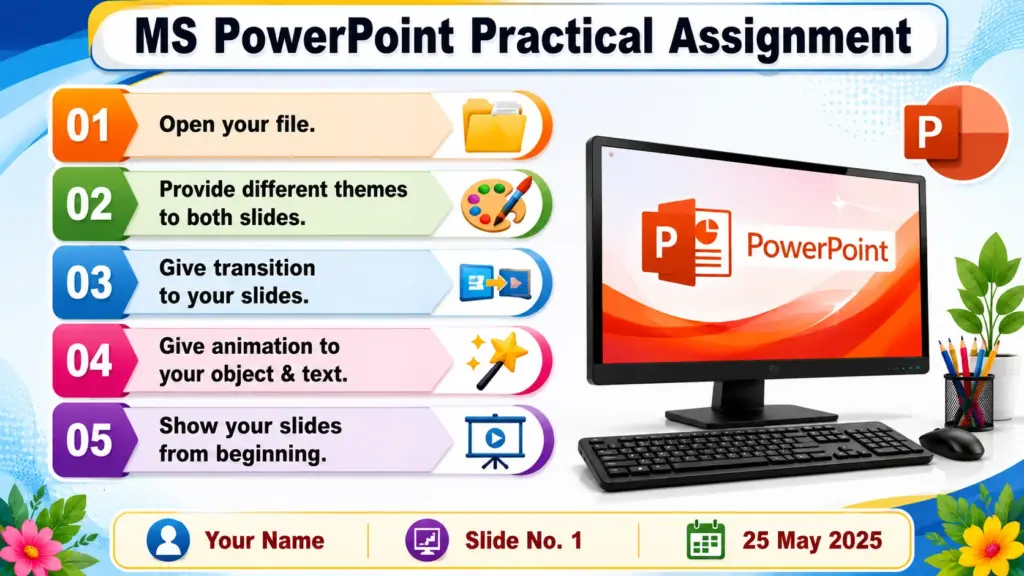
MS Powerpoint Practice 02: How to Apply Themes, Transitions and Animations in PowerPoint
Q.1- Open your file.
Q.2- Provide different themes to both slides.
Q.3- Give transition to your slides.
Q.4- Give animation to your object & text.
Q.5- Show your slides from beginning.
Conclusion
PowerPoint is a powerful presentation tool that helps users create attractive and professional slides. By applying different themes, presentations can gain a consistent and visually appealing design. Transitions make slide changes smoother, while animations add movement and emphasis to text and objects, making the content more engaging for the audience. Running the slideshow from the beginning allows users to review the entire presentation and ensure everything works correctly. These features improve the overall quality of a presentation and help deliver information effectively. Proper use of themes, transitions, and animations can make any presentation more impressive and impactful.