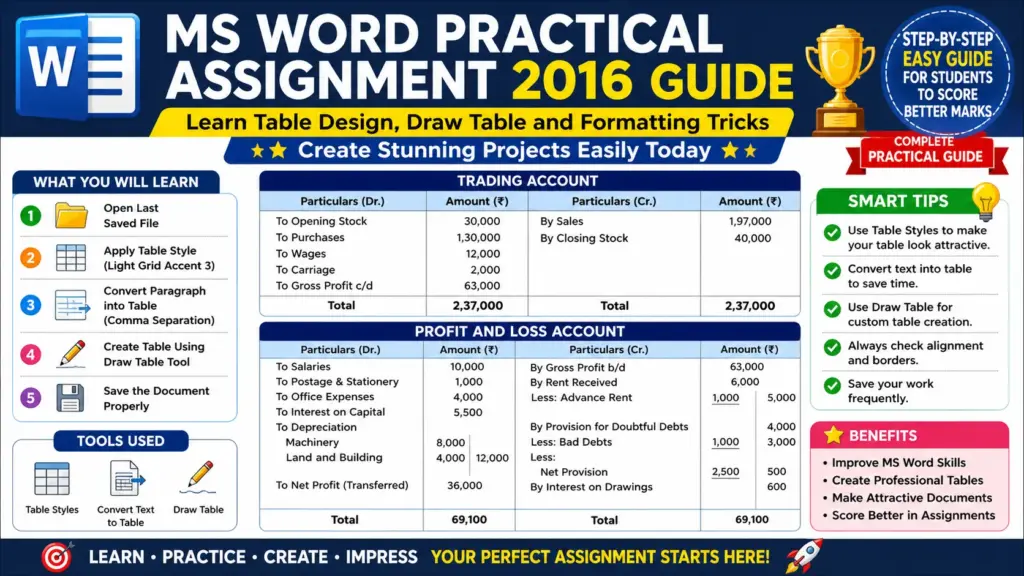
MS-Word Session-8: Master MS Word Practical Assignment 2016 with this easy and effective step-by-step guide. Learn how to apply table styles, convert text into tables, and use the Draw Table tool like a pro. This tutorial is perfect for students who want to create clean, attractive, and professional assignments. Improve your MS Word skills with simple explanations and smart tips. Make your practical file stand out, impress your teacher, and score higher marks with a well-designed and perfectly formatted document.
MS-Word Session-8: MS Word Practical Assignment
Topic: Table Creation and Formatting in MS Word
Objective
To learn how to create, format, and design tables in MS Word using different tools like Table Styles, Convert Text to Table, and Draw Table.
CCC MCQ Question & Answer: https://ctsdigital.in/fundamental-of-computer/
Q.1. Open the Last Saved File
- Open MS Word.
- Go to File → Open → Recent Documents.
- Select your previously saved document.
Q.2. Apply Table Style (Light Grid Accent 3)
- Select the entire table.
- Go to Table Design Tab.
- In Table Styles, choose Light Grid Accent 3.
- Observe the changes in table appearance (color, borders, and formatting).
CCC MCQ Question & Answer: https://ctsdigital.in/libreoffice-calc/
Q.3. Convert Paragraph into Table (Comma Separation)
- Select the first paragraph.
- Go to Insert → Table → Convert Text to Table.
- In the dialog box:
- Choose Separate text at: Commas
- Click OK.
- The paragraph will now convert into a structured table.
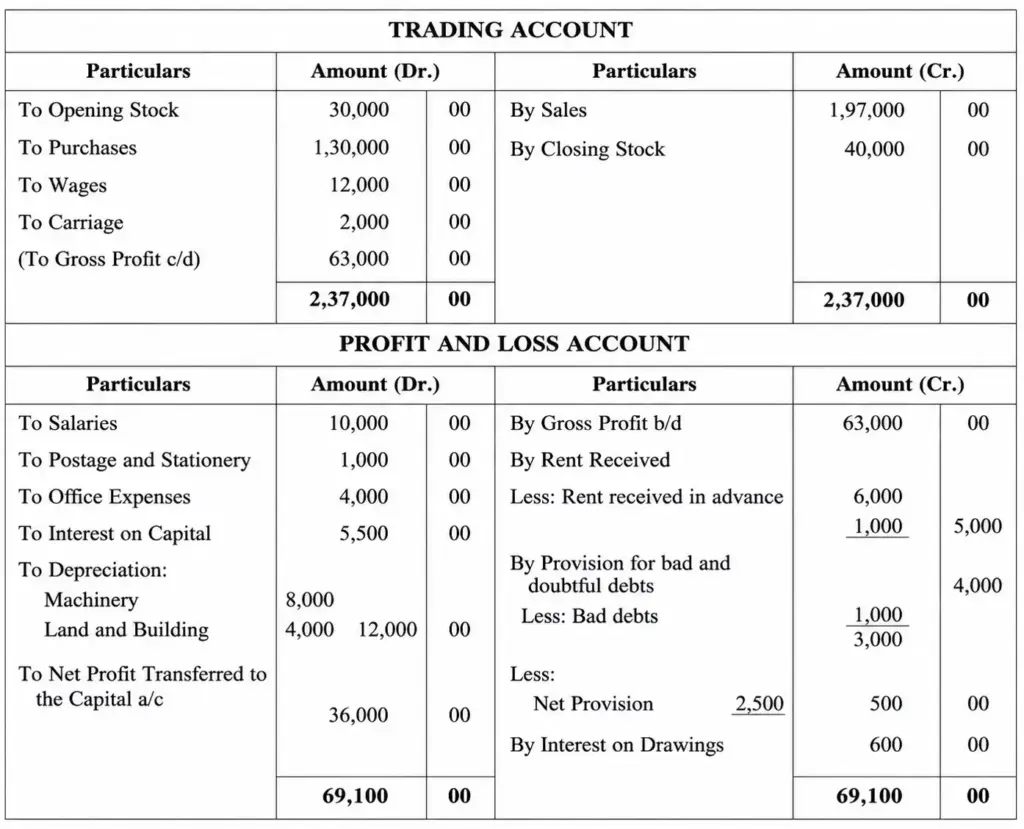
Q.4. Create the Given Table Using Draw Table Tool
- Go to Insert → Table → Draw Table.
- Use the pencil tool to draw rows and columns manually.
- Carefully create the table as shown in the image.
CCC MCQ Question & Answer: https://ctsdigital.in/libreoffice-2/
Q.5. Save the Document
- Click File → Save As.
- Choose location.
- Save as:
MS_Word_Table_Practical_Assignment.docx
Conclusion
This assignment helps in understanding table creation, formatting styles, and advanced tools like Draw Table and Convert Text to Table in MS Word. These skills are very useful for creating professional documents, reports, and assignments effectively.